
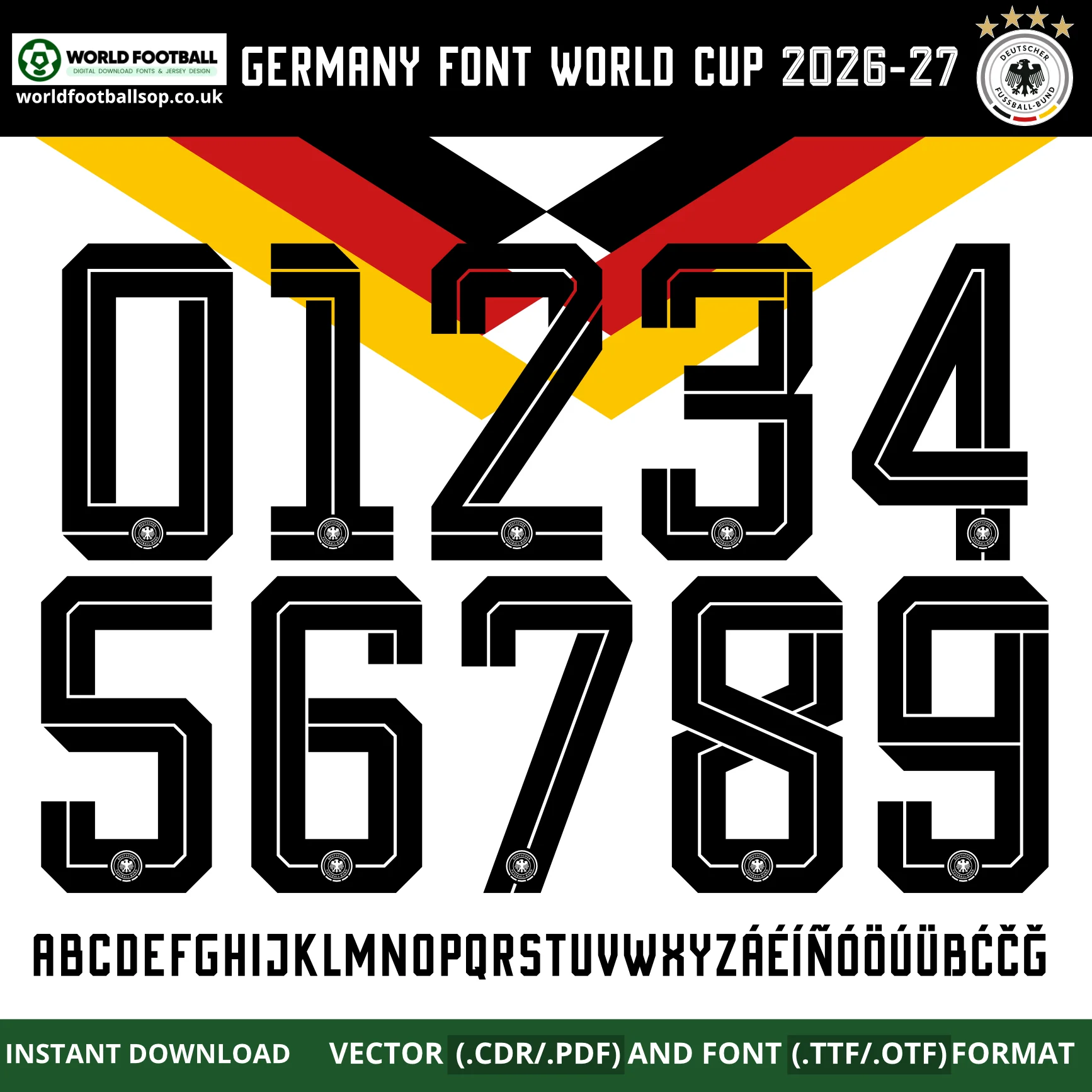
Just downloaded a kit font and not sure what to do with the files? Here’s exactly how to install and use it. Every font in our shop comes as a ZIP containing TTF, OTF and vector (CDR/PDF) files.
Step 1: Unzip the download
After purchase you get an instant download link (and a copy by email). Unzip the file — right-click → Extract All on Windows, or double-click on Mac.
Step 2: Install the TTF or OTF
Windows: double-click the .ttf or .otf file and click Install.
Mac: double-click the file and click Install Font in Font Book.
Then open your design app and search for the font by name. Type a player’s name and number and it renders in the kit style instantly.
Step 3: Using the vector files (Photoshop, Illustrator, Cricut)
For large prints or cutting machines, use the vector files. Open the .pdf or .cdr in Illustrator, CorelDRAW or Inkscape, or import into Cricut Design Space for heat-transfer vinyl. Vectors scale to any size with no loss of quality — perfect for shirt backs.
TTF vs OTF vs vector — which do I use?
- TTF / OTF — for typing text in Word, Photoshop, Canva and most apps.
- Vector (CDR / PDF) — for printing, cutting and pro design software.
Can I use these commercially?
Our fonts are licensed for personal and small-scale projects such as custom shirts and fan designs. Please don’t resell or redistribute the files themselves. See our Terms for details.
Ready to design a nameset? Browse all football fonts — instant download, TTF, OTF and vector included.